TALLER·OS — Local AI Business Operations Panel
A downloadable tool for Windows
TALLER·OS v1.3 — LOCAL AI BUSINESS OPERATIONS PANEL
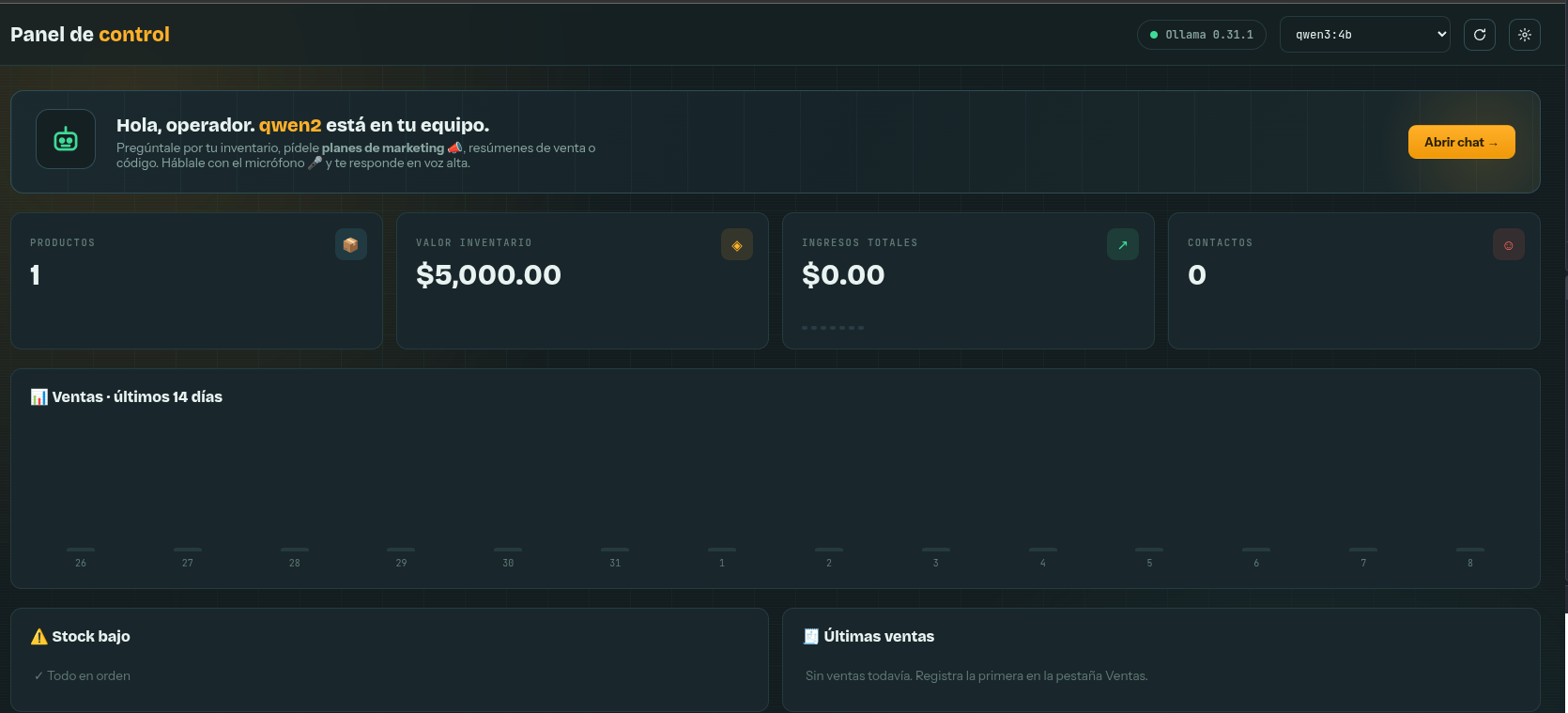
A professional dashboard for workshops and small businesses, featuring inventory, sales tracking, and an AI assistant that speaks and listens to you.
Everything runs 100% locally on your PC. No clouds. No monthly fees. No internet required after setup.
⚠️ LANGUAGE NOTE: The current software interface (menus, buttons) and default AI prompts are in Spanish. An English UI patch is planned for future updates.
──────────────────────────────
🎯 WHAT'S INSIDE?
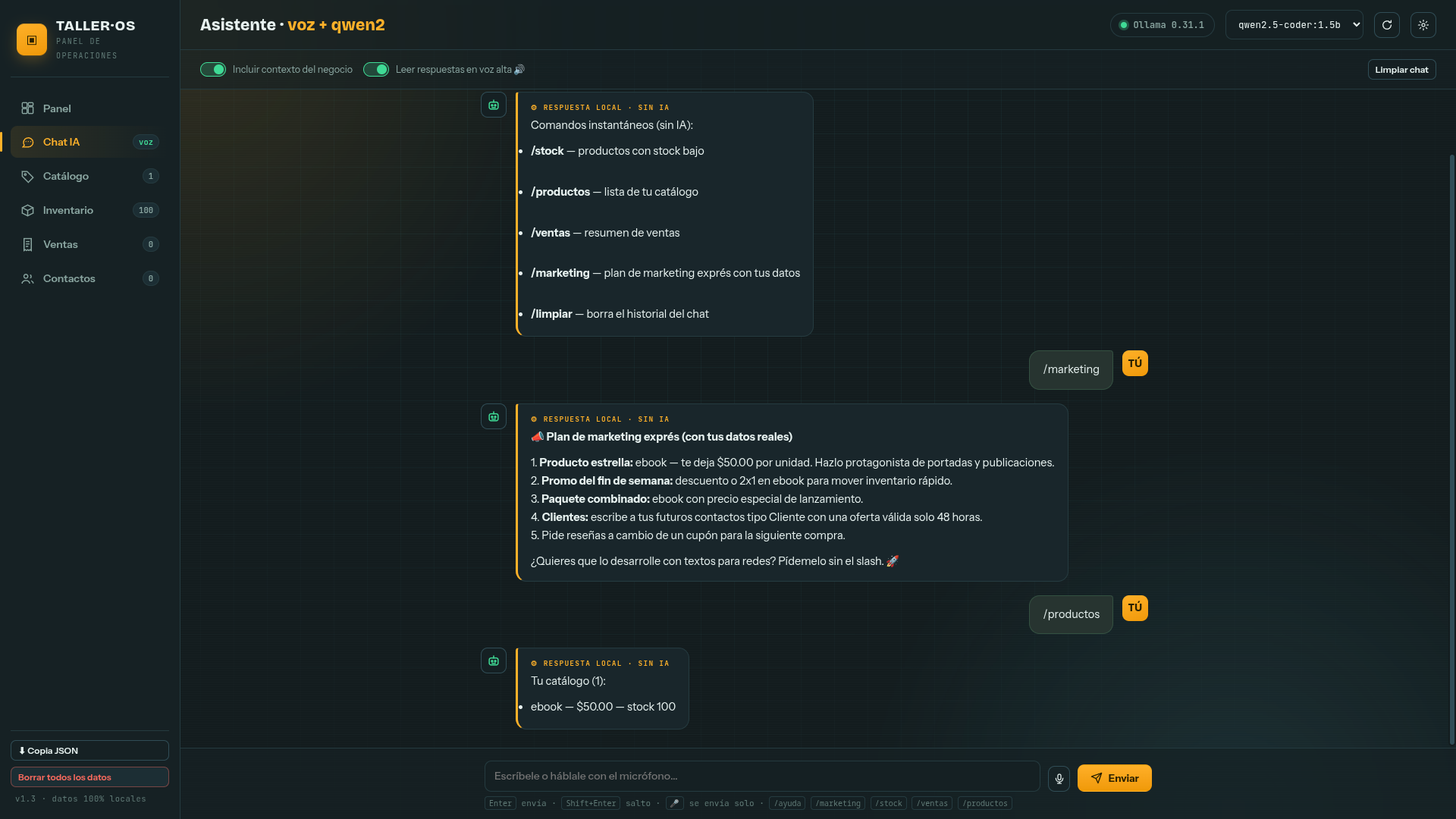
🤖 Voice AI Chat — Talk to it via microphone, and it speaks back to you.
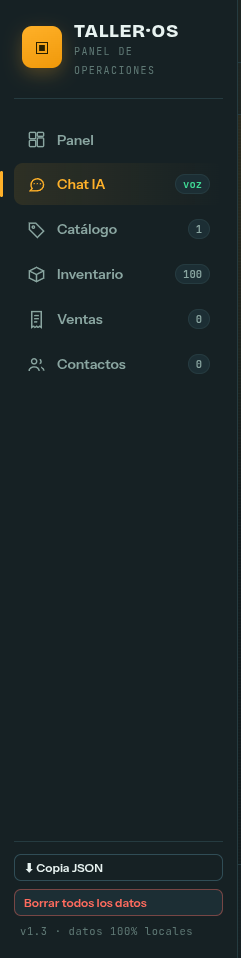
📦 Smart Inventory — Track stock, movements, and get low-stock alerts.
💰 Sales & Tickets — Record daily sales and reprint receipts.
👥 Contacts — Manage clients, suppliers, and leads.
📣 Auto-Marketing — Generate promos, slogans, and voice ads using your real data.
💾 JSON Backups — Export and import your entire database with one click.
🔒 100% Local Data — Your business data never leaves your computer.
🧠 HOW DOES THE AI WORK?
Nautilus LAN built the easy-to-use UI/Skin.
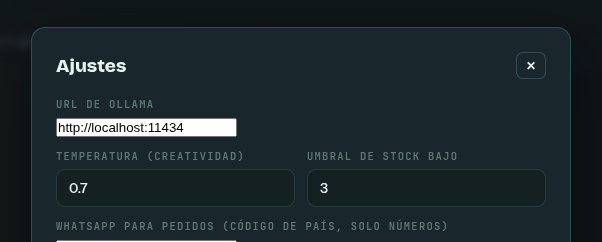
Ollama (free, open-source software from ollama.com) acts as the AI brain.
You can choose and download any model you want: qwen2, llama3, mistral, etc.
We included an INSTALL.bat script that automatically downloads Ollama and the AI model for you.
📦 WHAT YOU GET IN THE DOWNLOAD
• TALLEROS-Setup-1.3.0.exe — Windows Installer
• INSTALL.bat — Auto-installs Ollama and the lightweight AI model
• INSTALL_FULL_MODEL.bat — Installs the full model for powerful PCs
• talleros-voice.html — Browser mode for advanced microphone features
• README.txt — Step-by-step instructions
• LICENSE.txt — Simple terms of use
💻 SYSTEM REQUIREMENTS
MINIMUM (lightweight AI model):
• Windows 10 (64-bit)
• 2-core processor (Core i3 / Ryzen 3)
• 4 GB RAM
• 3 GB free space
• Internet (only for initial setup)
OPTIMAL (full AI model, instant responses):
• Windows 10/11 (64-bit)
• 4+ core processor (Core i5 / Ryzen 5 or better)
• 16 GB RAM
• 10 GB free space on SSD
• Optional: NVIDIA GPU with 4GB+ VRAM
⚡ 5-MINUTE INSTALLATION
1. Run TALLEROS-Setup-1.3.0.exe
2. Run INSTALL.bat (installs Ollama and the AI model automatically)
3. Open TALLER·OS from your desktop
4. Done! If Windows shows a SmartScreen warning: "More info" → "Run anyway"
🎁 LAUNCH OFFER
$8 USD (regular price $14) — One-time payment, lifetime license for 1 PC.
No activation codes required. Buy it, install it, own it.
Purchase
In order to download this tool you must purchase it at or above the minimum price of $8 USD. You will get access to the following files:

Leave a comment
Log in with itch.io to leave a comment.